
Tired of spending hours designing educational materials from scratch? The WhaWho Fact File and Works...
Version: 1.0.0
Last Updated: 2026-09-04
Category: Plugin
Tired of spending hours designing educational materials from scratch? The WhaWho Fact File and Worksheet Generator is your all-in-one solution for creating beautiful, engaging, and professional-grade educational content directly within your WordPress dashboard.
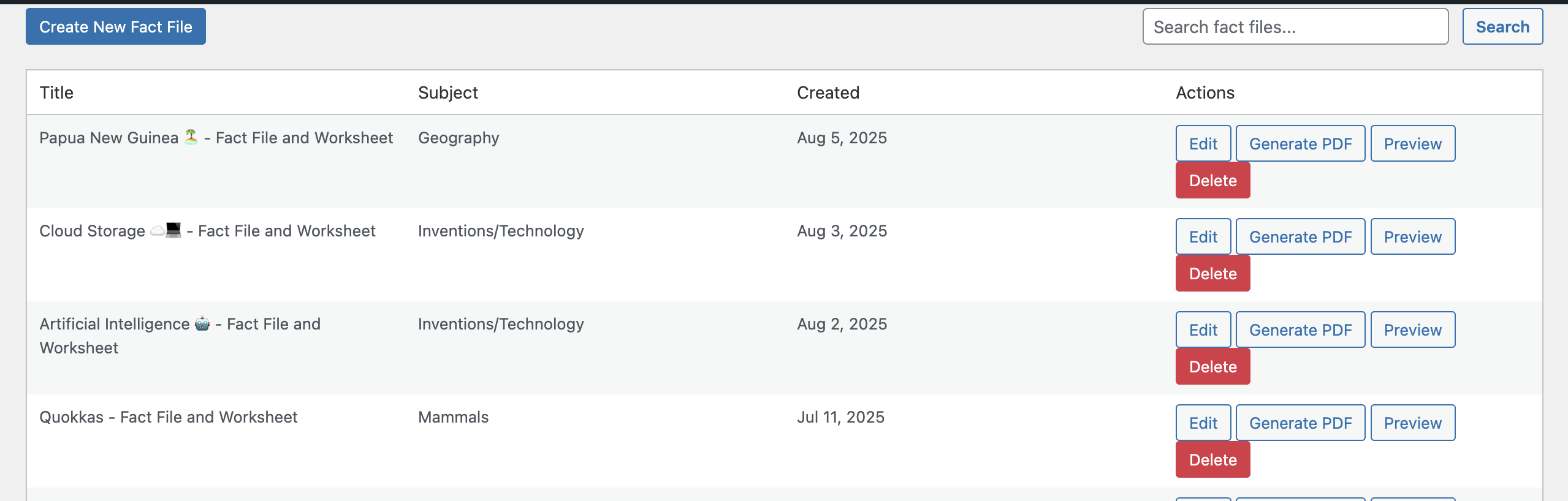
Effortlessly design print-ready fact files and interactive worksheets that capture students' curiosity. From "Quick Facts" and diverse question types to a creative drawing section and an automatically generated, detachable answer key for teachers, this plugin saves you time and elevates the quality of your educational resources. Stop struggling with formatting and start inspiring young minds.
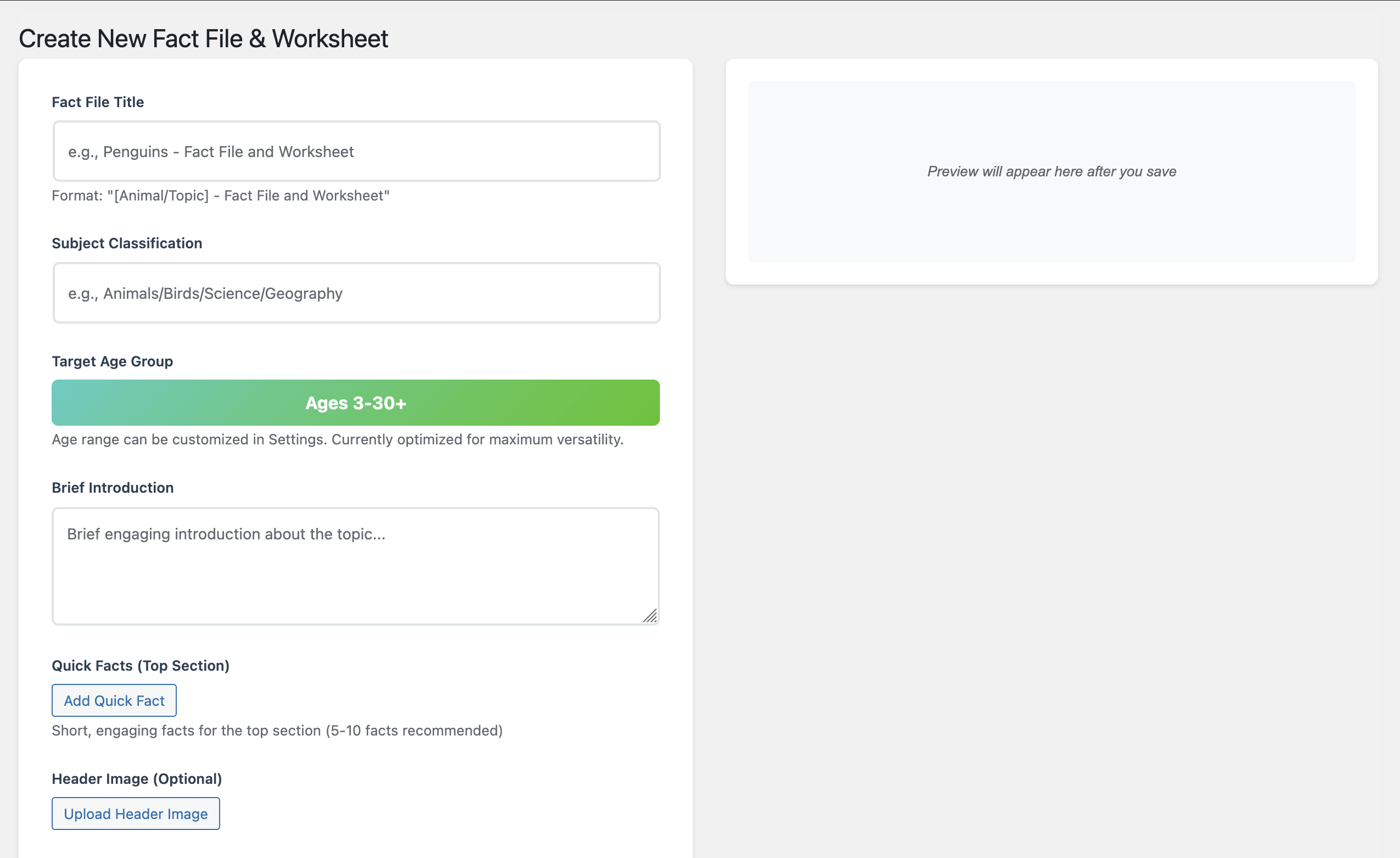
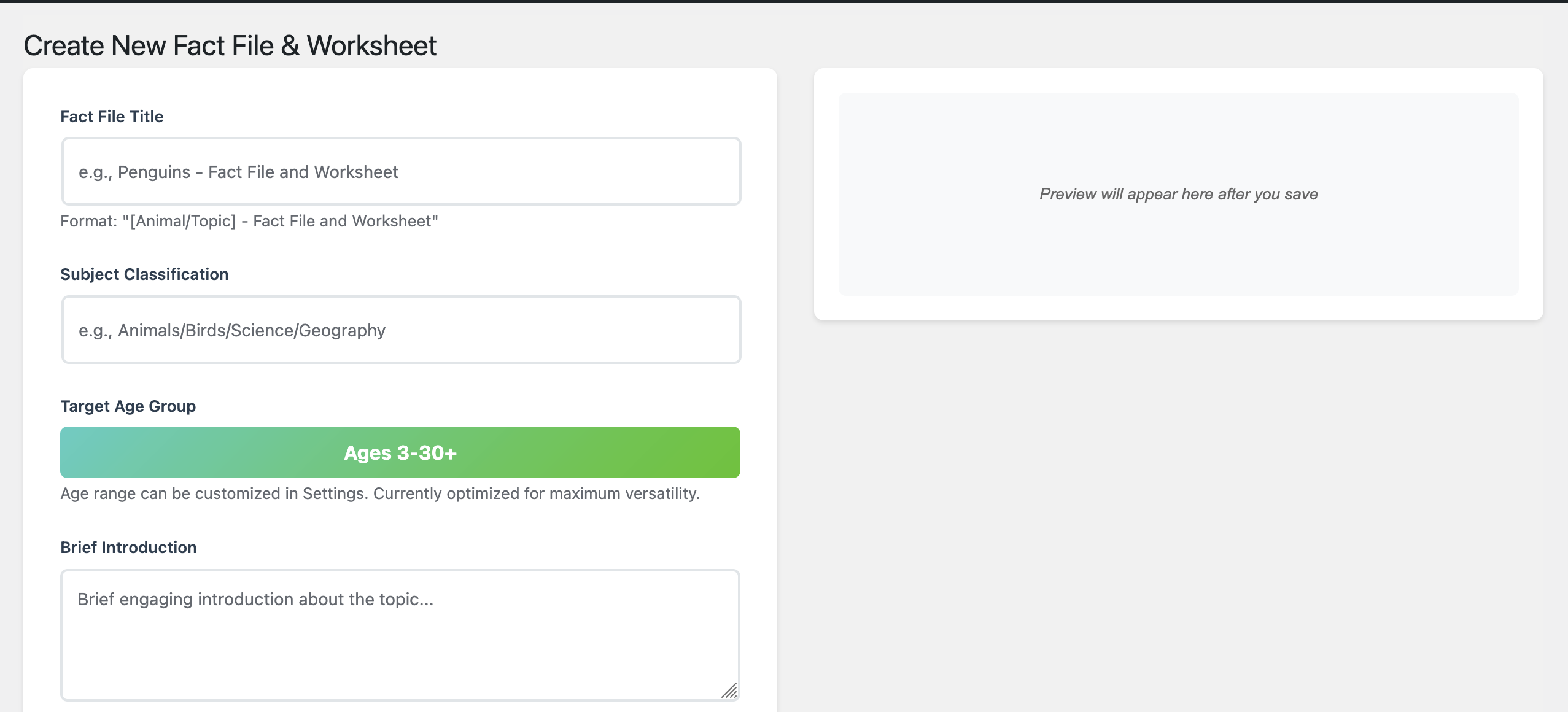
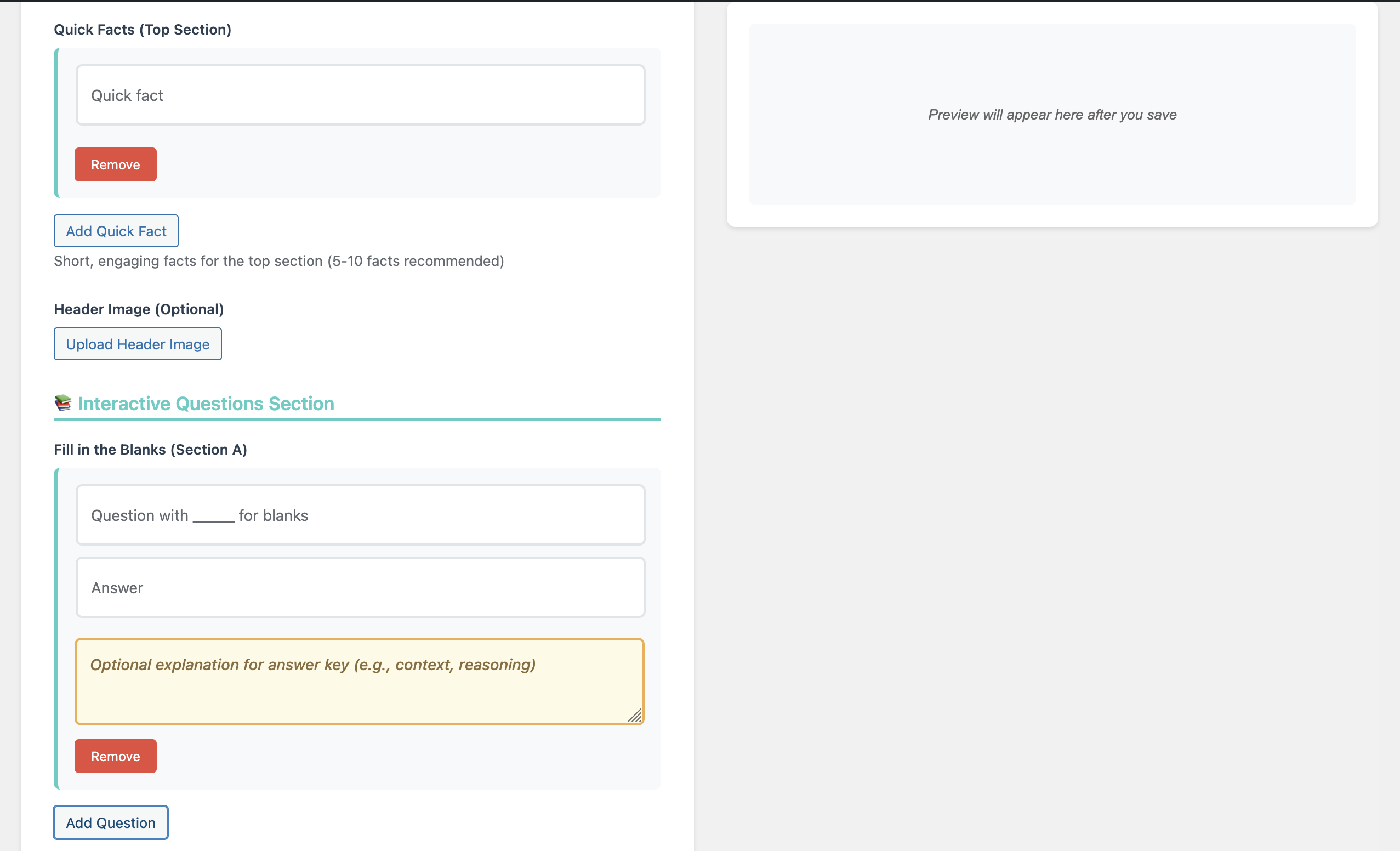
Intuitively build your fact file with dedicated sections for a title, subject, engaging introduction, header image, and eye-catching "Quick Facts" to hook the reader instantly.
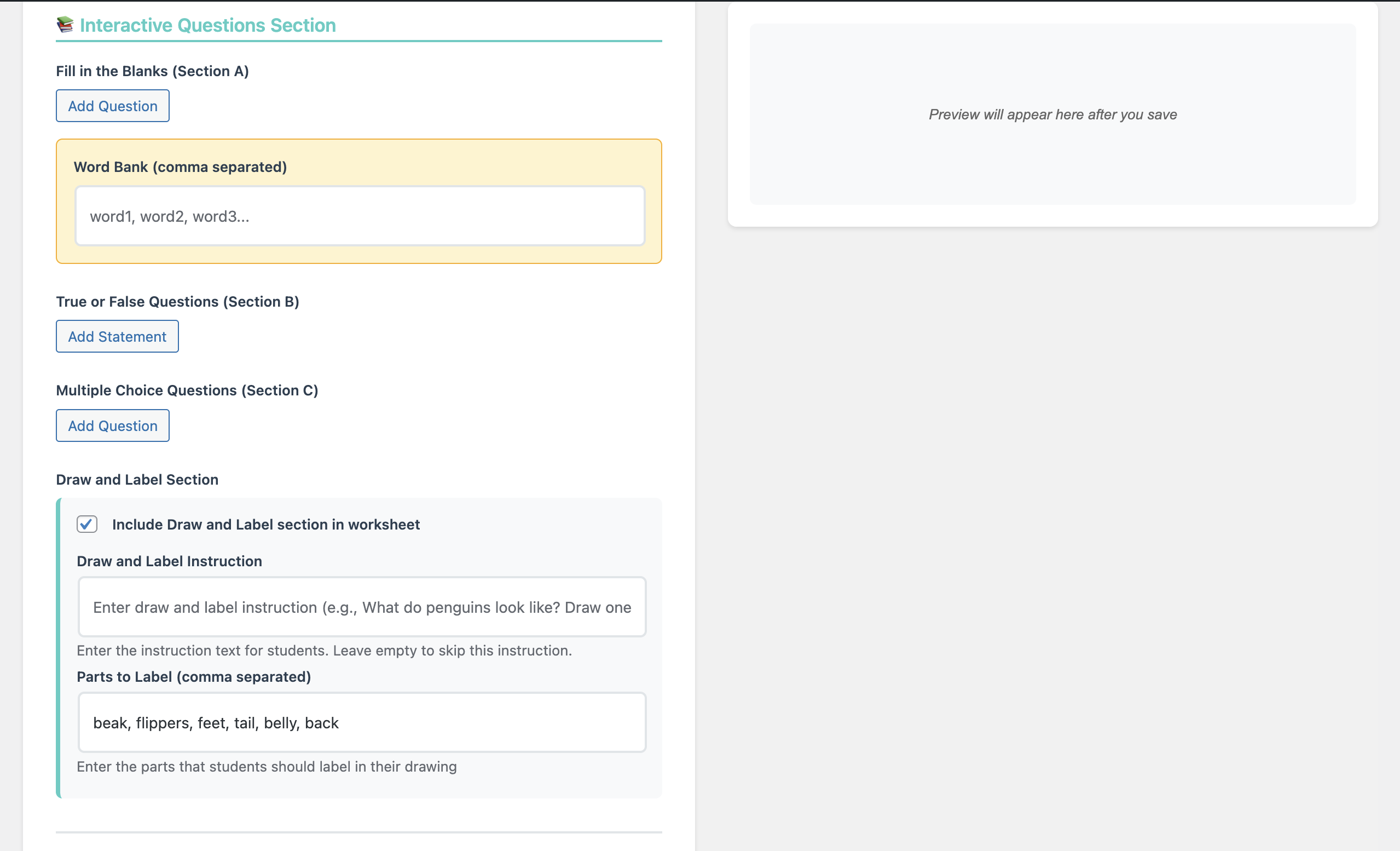
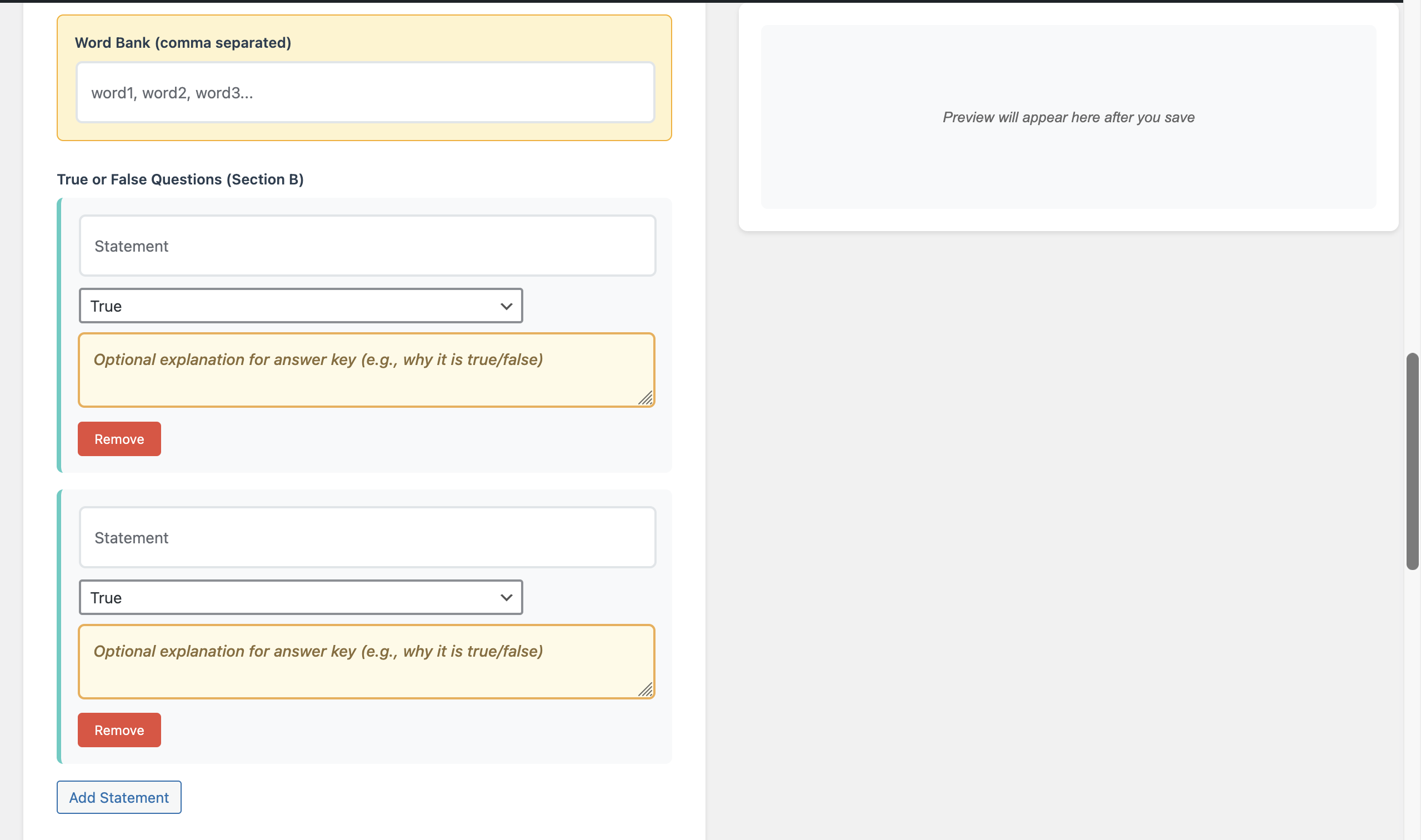
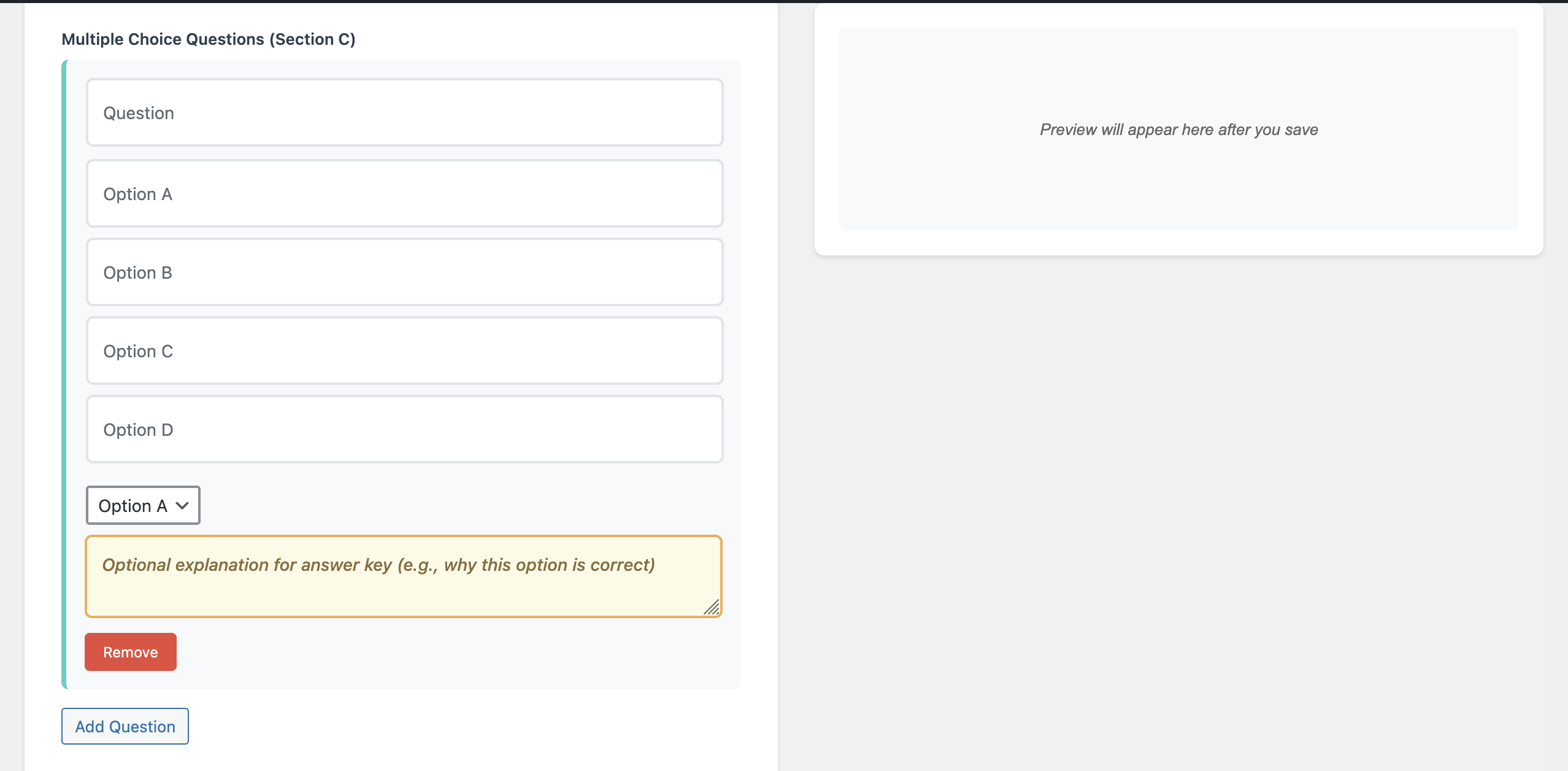
Challenge students with a variety of assessments. Create "Fill in the Blanks" (with an optional word bank), "True or False" statements, and "Multiple Choice" questions with ease.
Go beyond simple answers. For each question in the answer key, you can add optional explanations to provide deeper context, clarify reasoning, and enhance the learning value for both students and teachers.
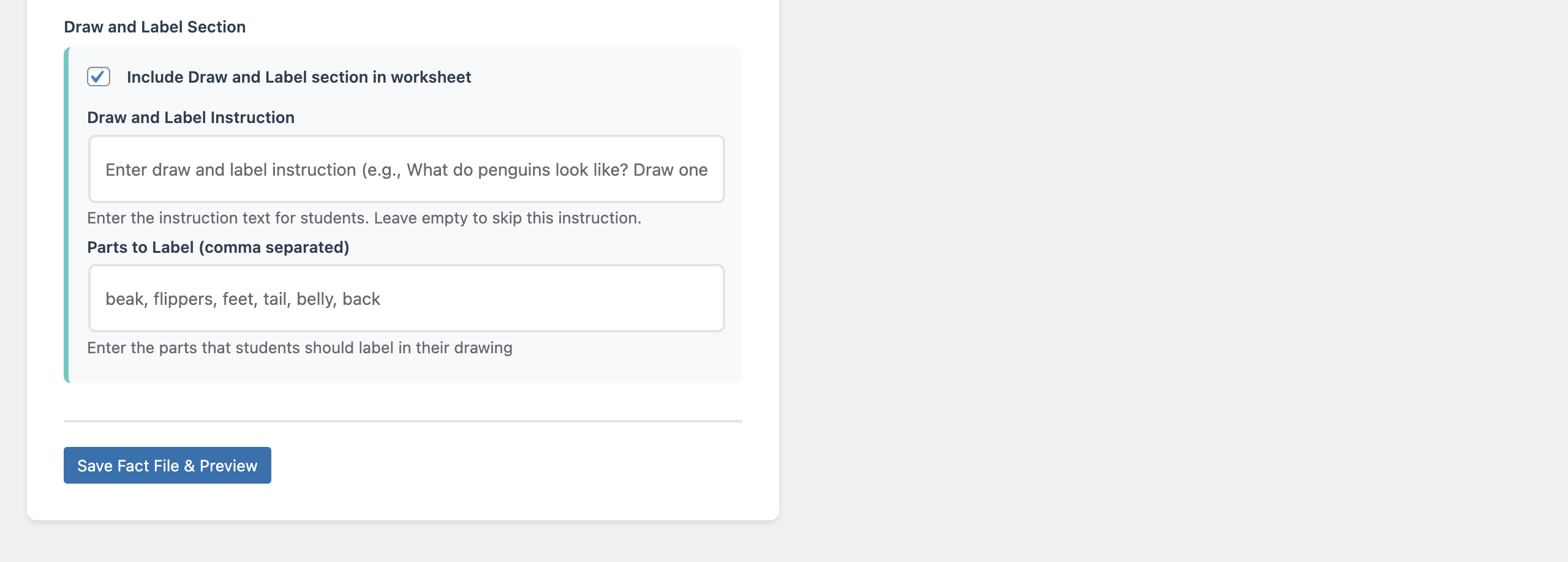
Spark creativity with a dedicated full-page section where students can draw and label a topic. You can customize the instructions and provide a list of key parts to label.
The plugin automatically compiles all your answers into a perfectly formatted, detachable answer key. The design includes a "cut here" line, making it perfect for teachers and parents.
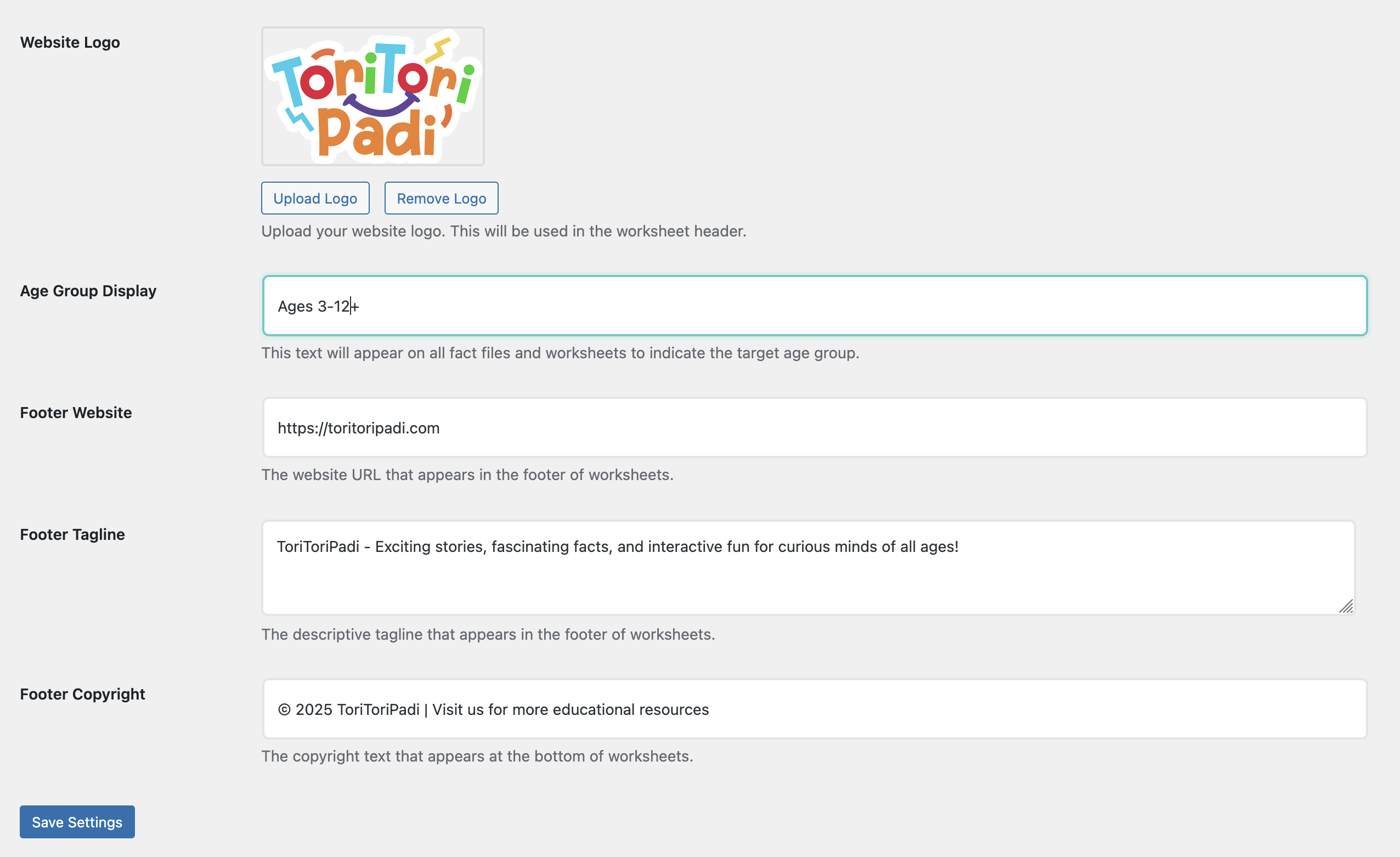
Make every worksheet your own. Easily upload your website's logo and customize the footer's website URL, tagline, and copyright information from a simple settings page.
A live preview updates as you build your worksheet. When you're ready, generate a clean, print-ready version that can be easily saved as a PDF using your browser's print function.
For customizations, please contact us via our Support page. Here's a sample worksheet file created with this plugin - https://edu.toritoripadi.com/rainbows/